

Product
Five screens, one investigation.
HawkView reads the records your customers’ Microsoft 365 tenants already keep. Here is what each screen is for, and what it will and will not tell you.
Dashboard · Priority Action Queue
Start with a shortlist.
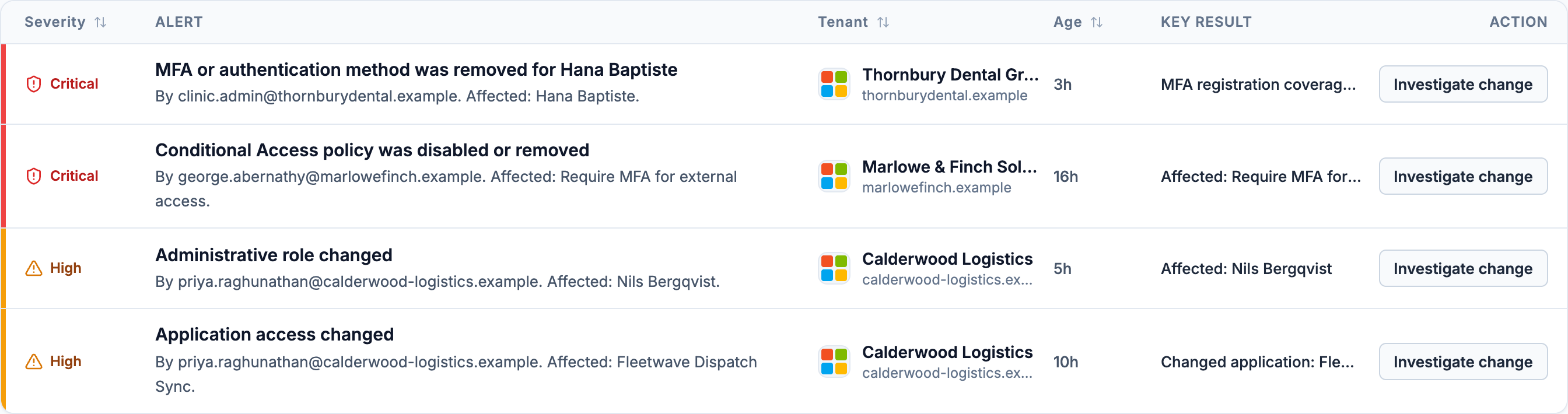
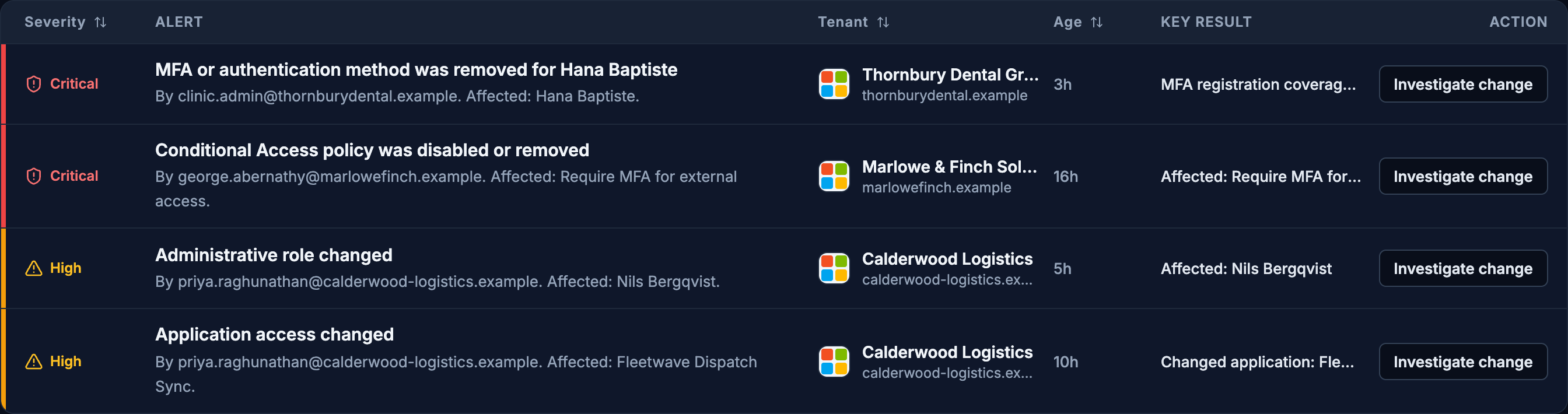
Every row names the tenant it came from, how severe it is, and how long it has been sitting there. Filter by customer or severity without leaving the page.
The queue mixes what HawkView could not read with what it did: lost connections and missing permissions, collectors that failed or went stale, MFA registration coverage below 85%, Microsoft’s own risk counts, and up to three directory-audit changes from the last 24 hours — conditional access and named locations, authentication methods, applications and service principals, and administrative roles.
Dashboard · Tenant Risk Matrix
Compare customers, gaps included.
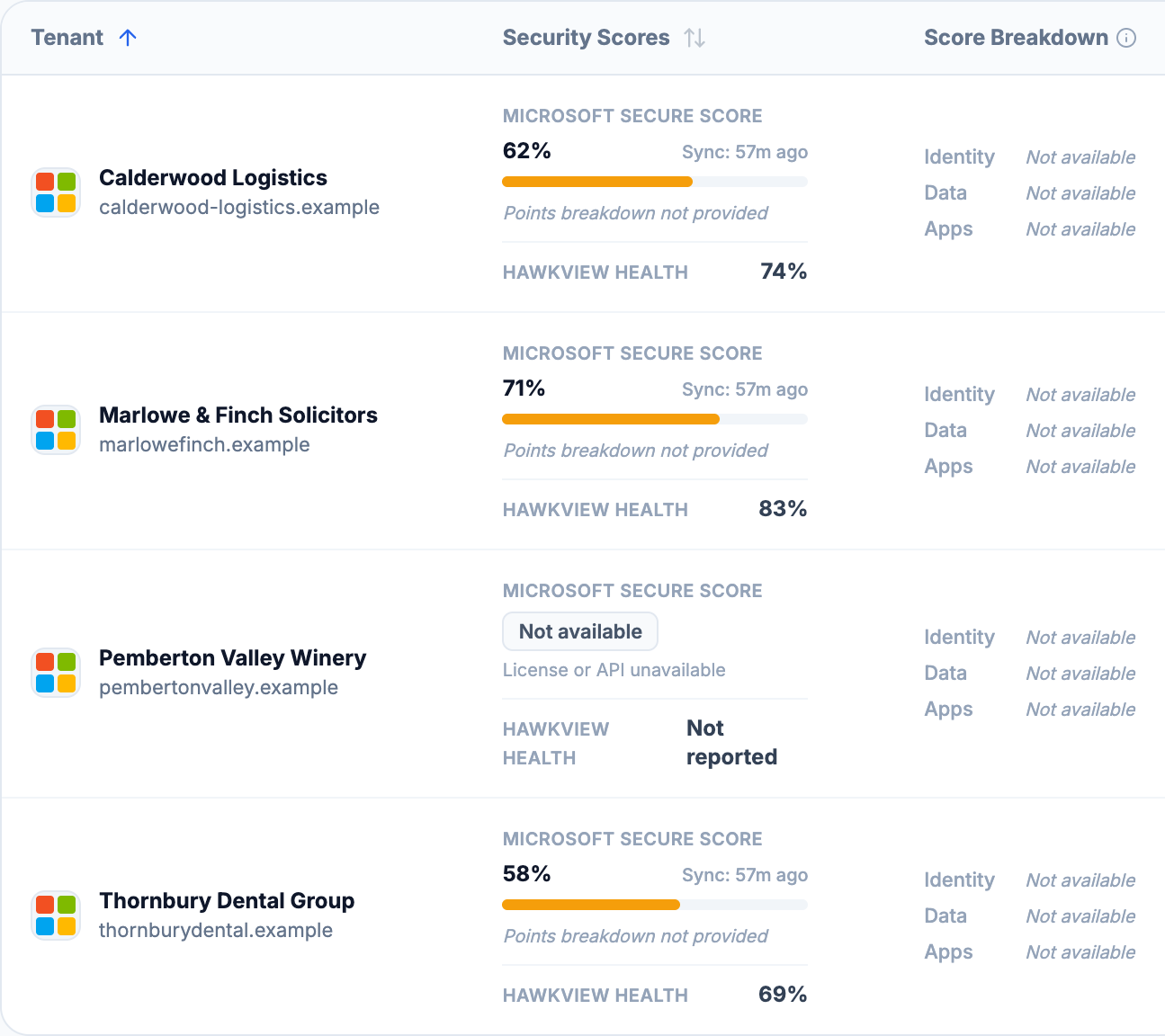
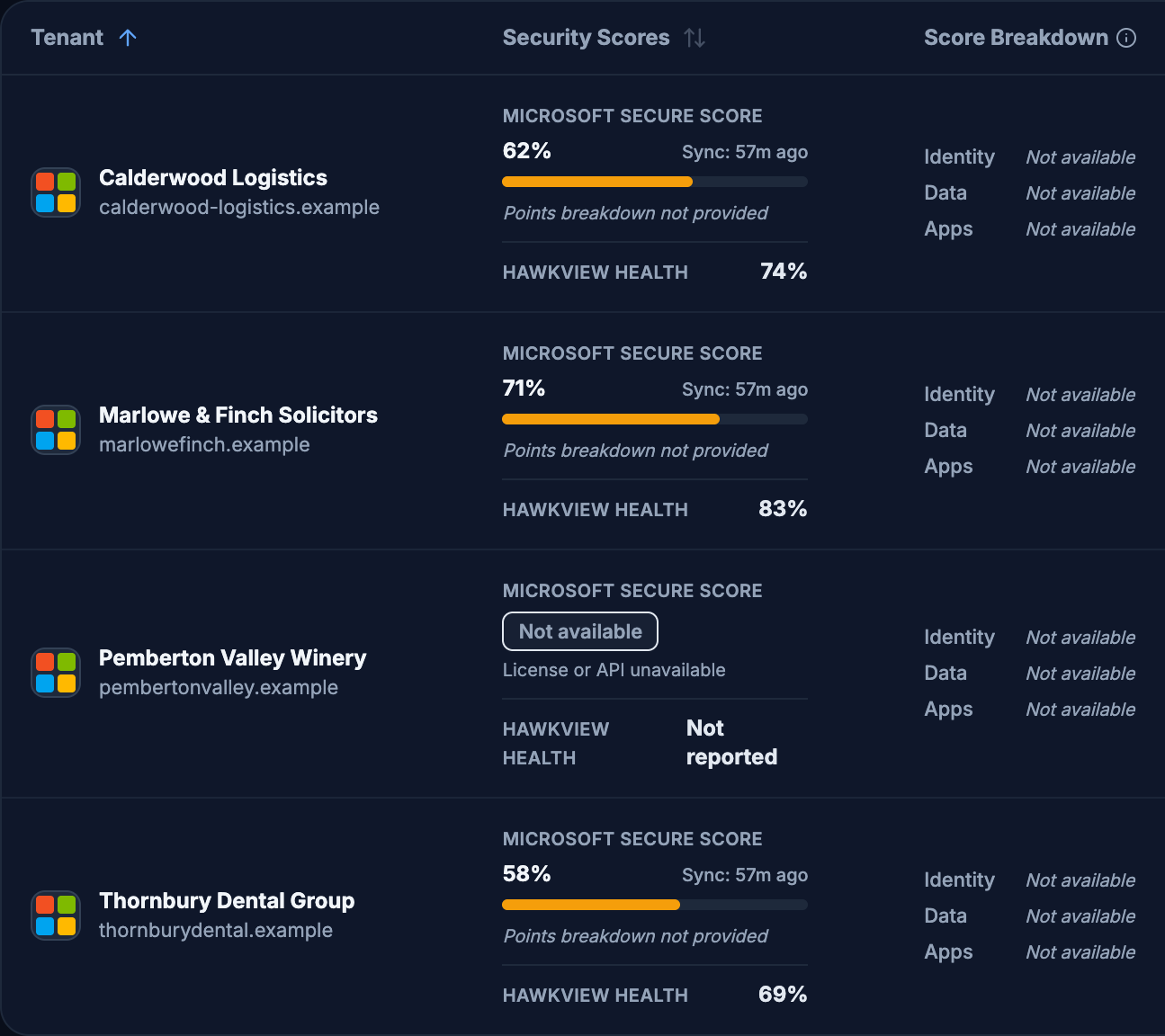
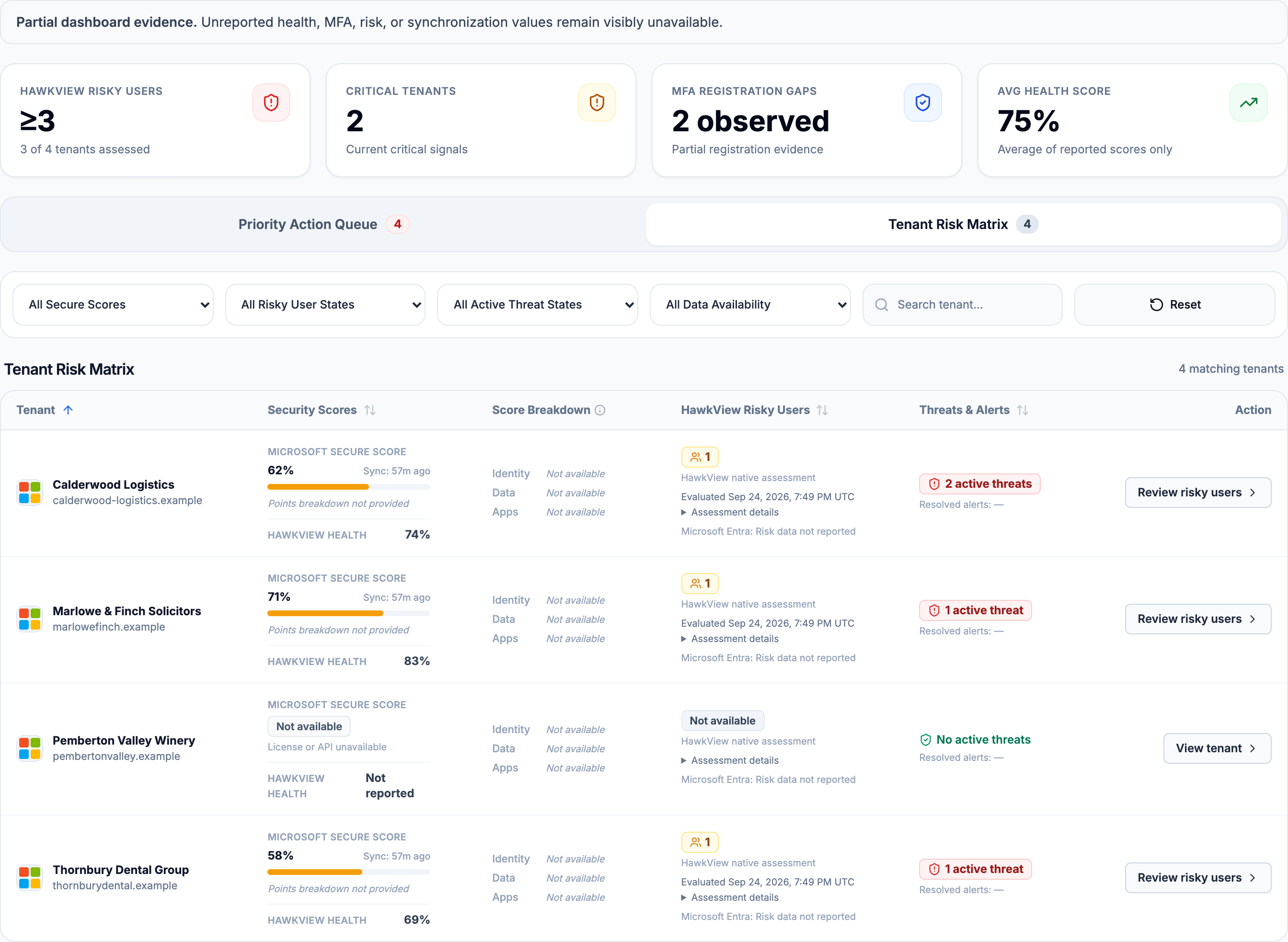
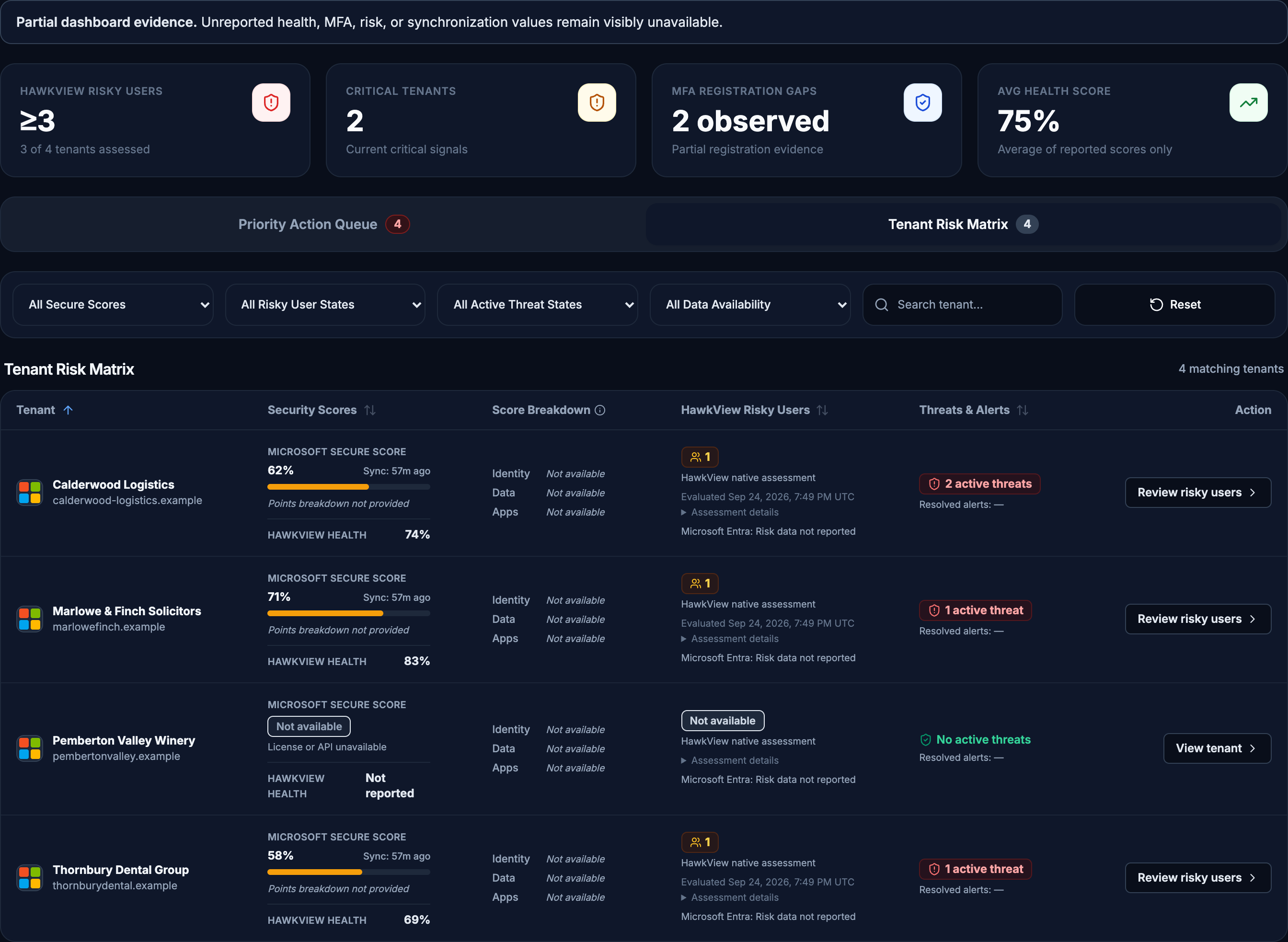
Secure score, identity, data and app coverage in one grid. Where a score needs a permission that has not been granted, the cell says so rather than showing a low number.
A tenant whose licensing does not provide a score reads Not available, not zero. The two are different facts and the grid keeps them apart.
What Changed?
Reconstruct the hour around an incident.
A cross-customer view of administrative change — conditional access, roles, applications, groups, licences and mailbox rules — classified by type and severity, grouped by day, with the window you are looking at always stated.
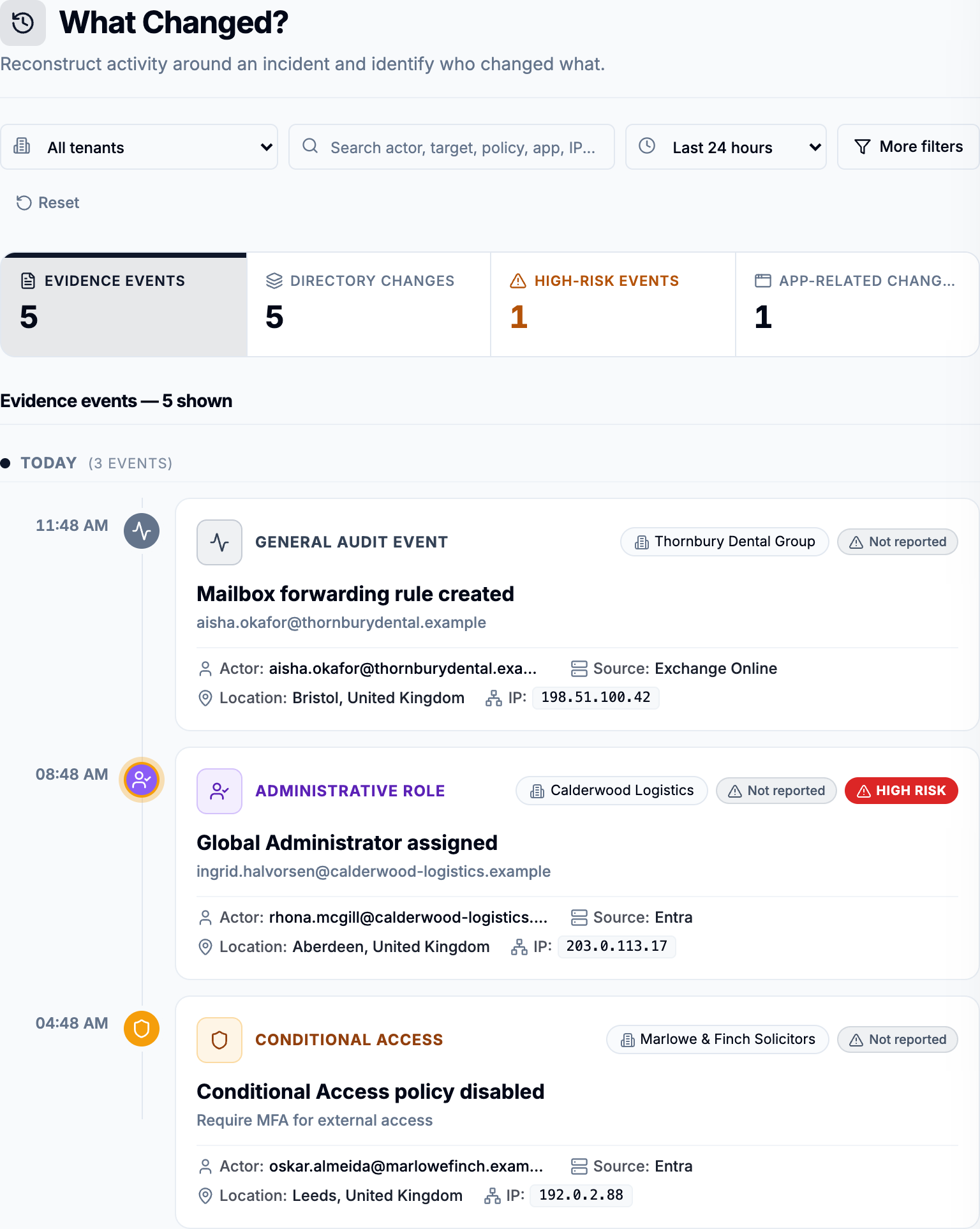
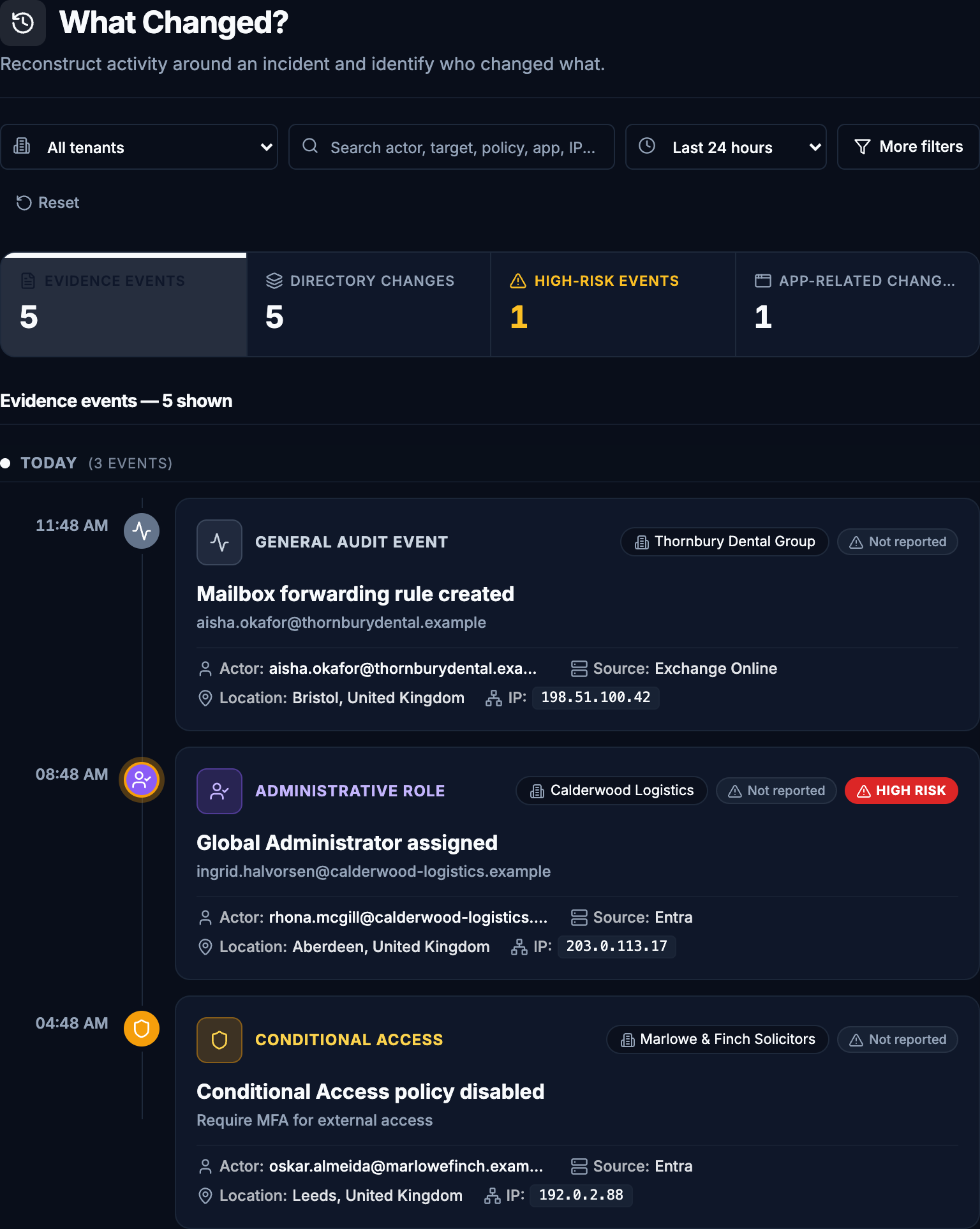
Events are classified by type and severity and grouped by day. This is a curated view rather than a raw feed — supporting evidence is demoted rather than hidden, so you can still see it and still see what it is.
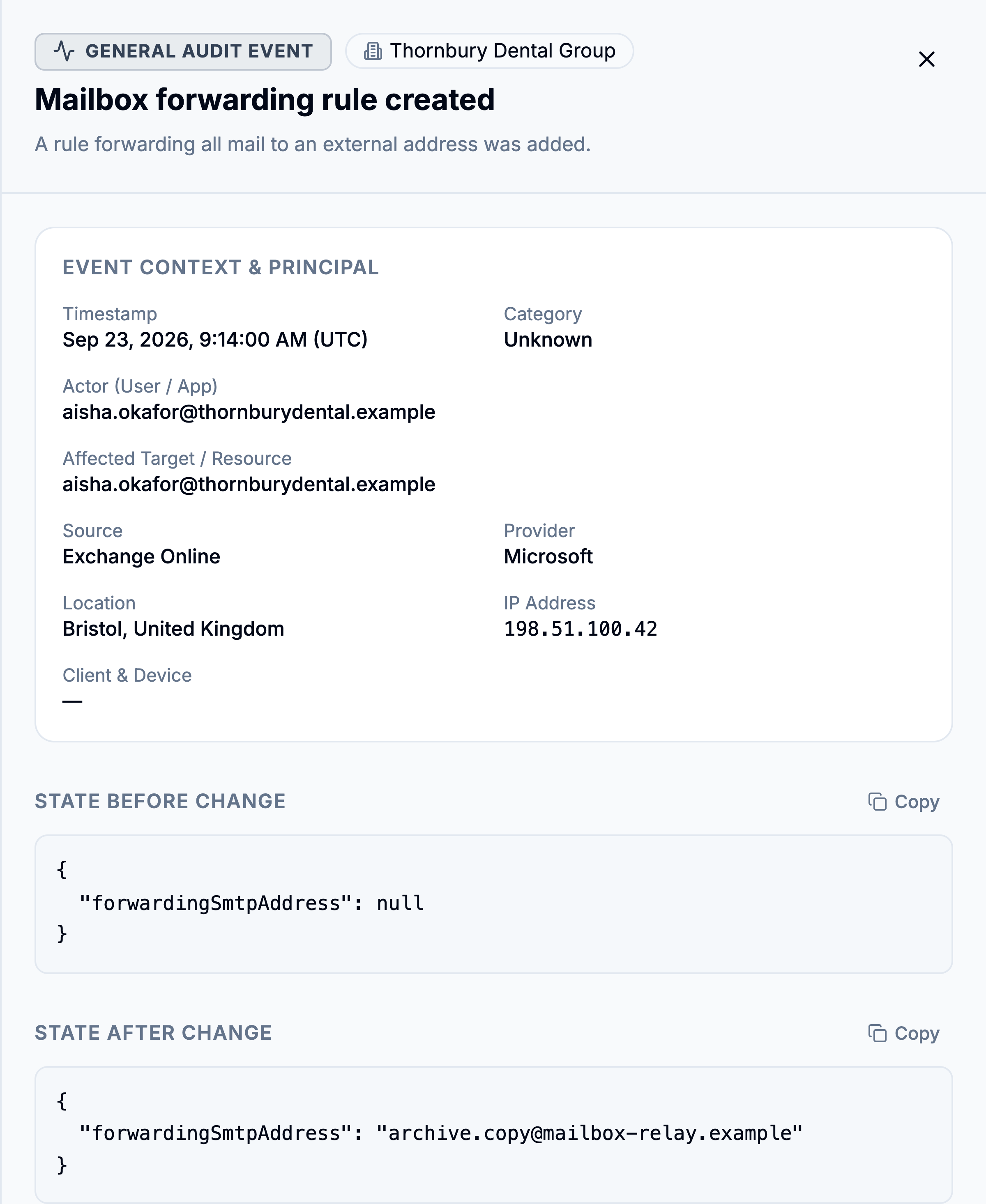
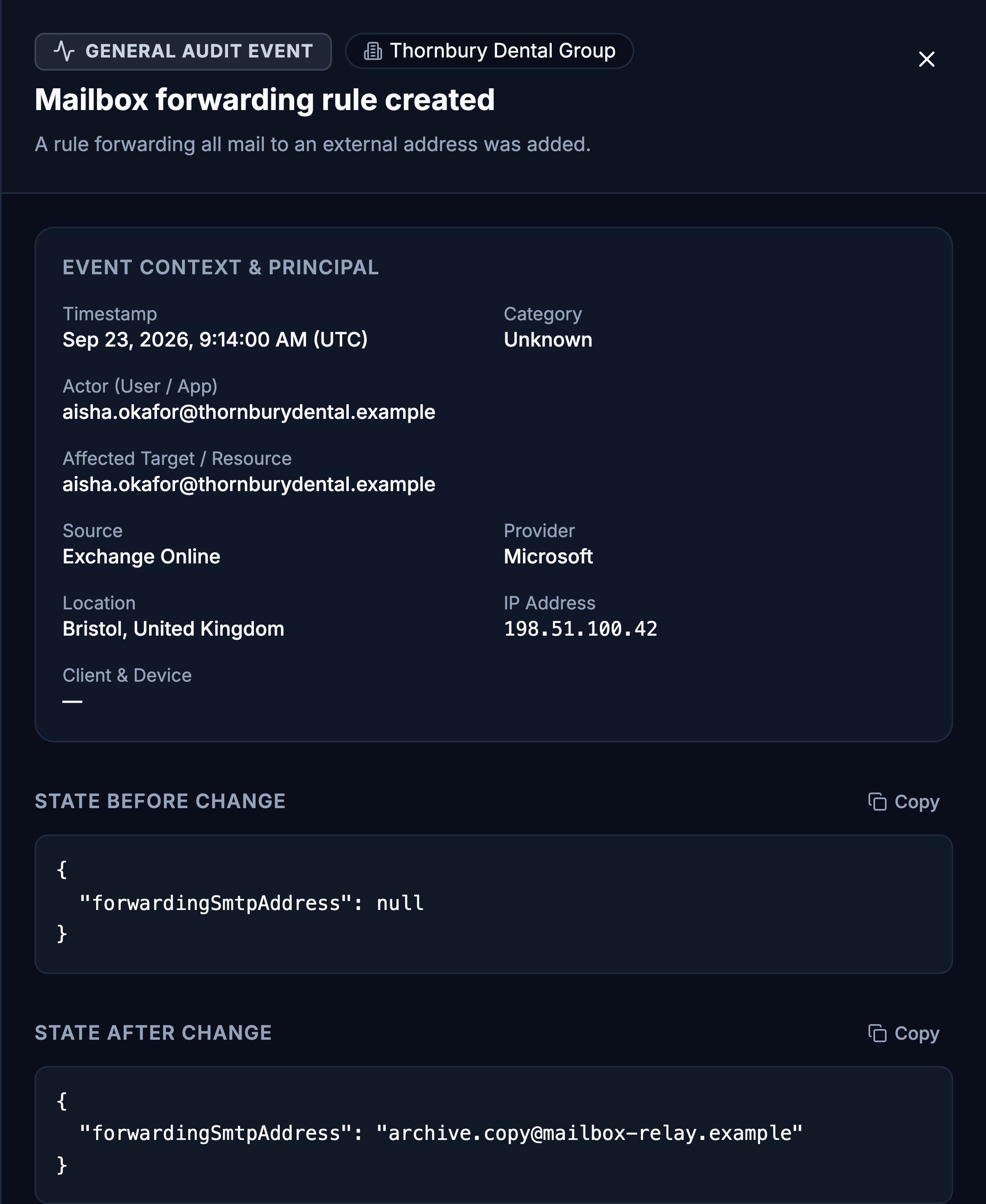
Opening that event gives the state on both sides of the change, exactly as Microsoft supplied it. On most events, fields Microsoft did not supply are listed under Information unavailable in this Microsoft event — some changes are read from an audit entry that names who made them, others are found by comparing two collections and carry no confirmed actor. HawkView says which it is rather than filling the gap.
Two screenshots of the real application. Selecting the event in HawkView opens the panel shown in step two.
Activity Logs
One customer, the underlying records.
Where What Changed looks across every customer and interprets, Activity Logs goes the other way: pick one tenant and read its Microsoft records as Microsoft supplied them.
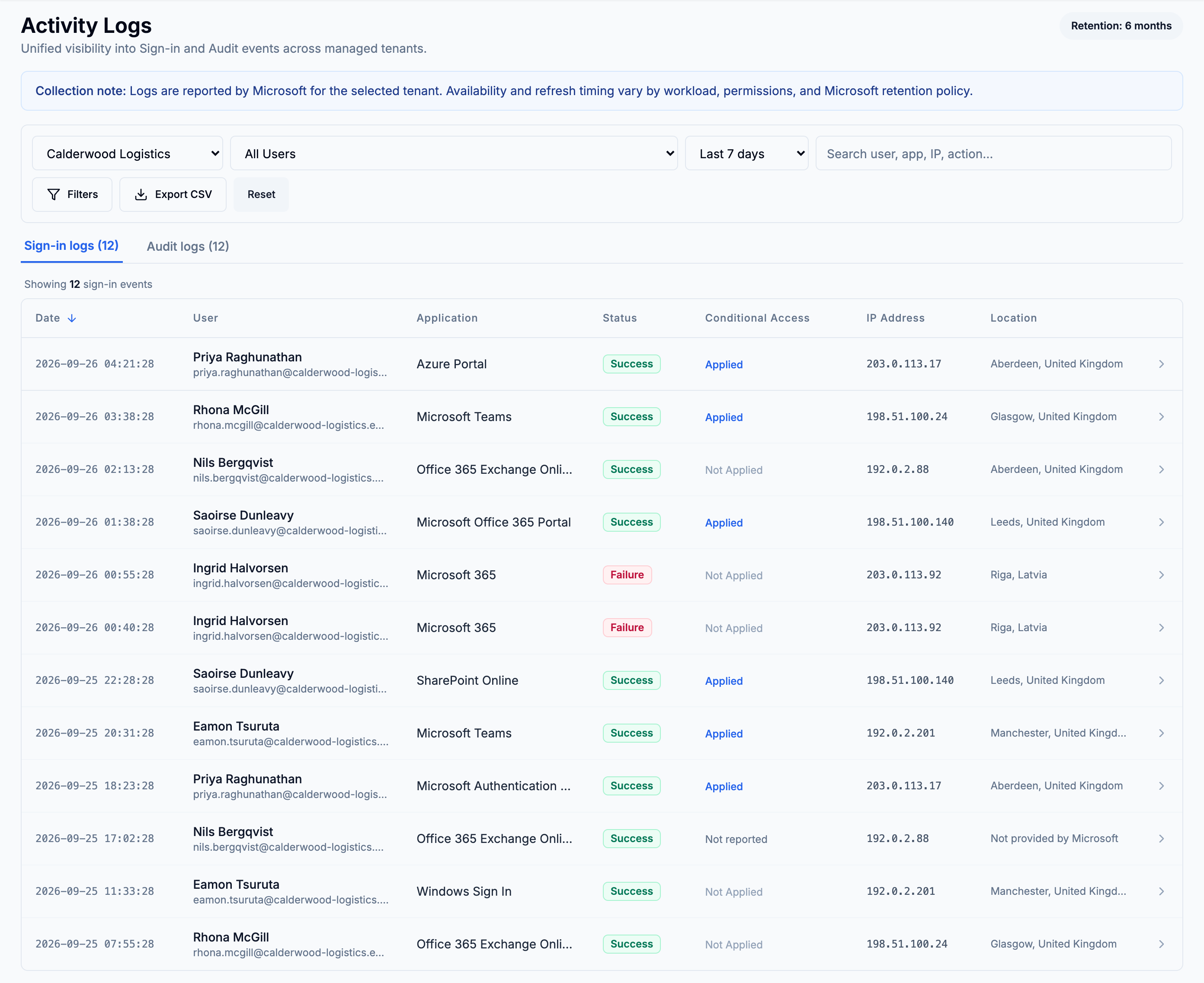
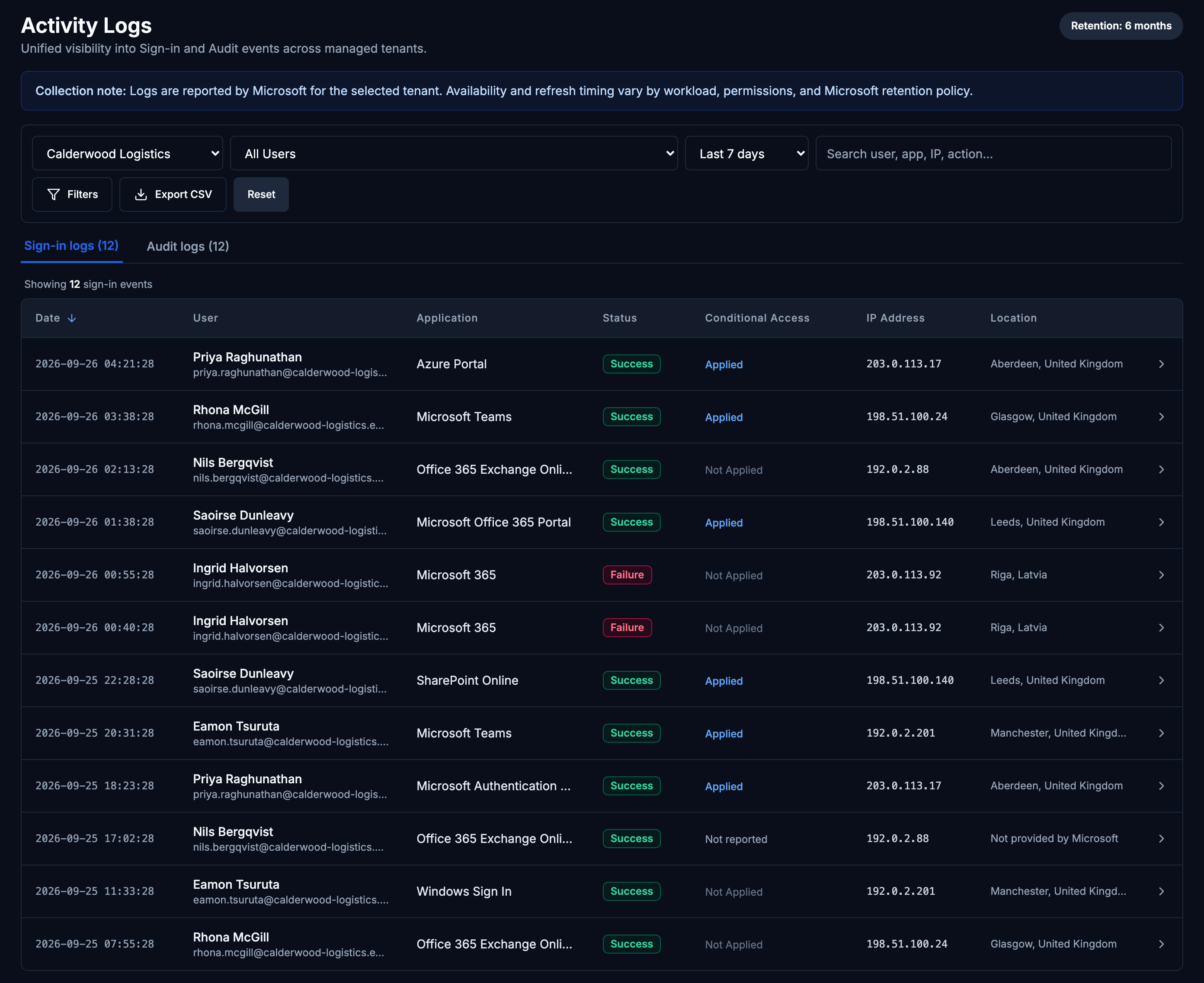
Date, user, application, status, conditional access, IP address and location. Where a sign-in came from the audit fallback rather than Graph, the thinner record shows in the row itself — conditional access, IP address and location each read Not reported rather than sitting empty.
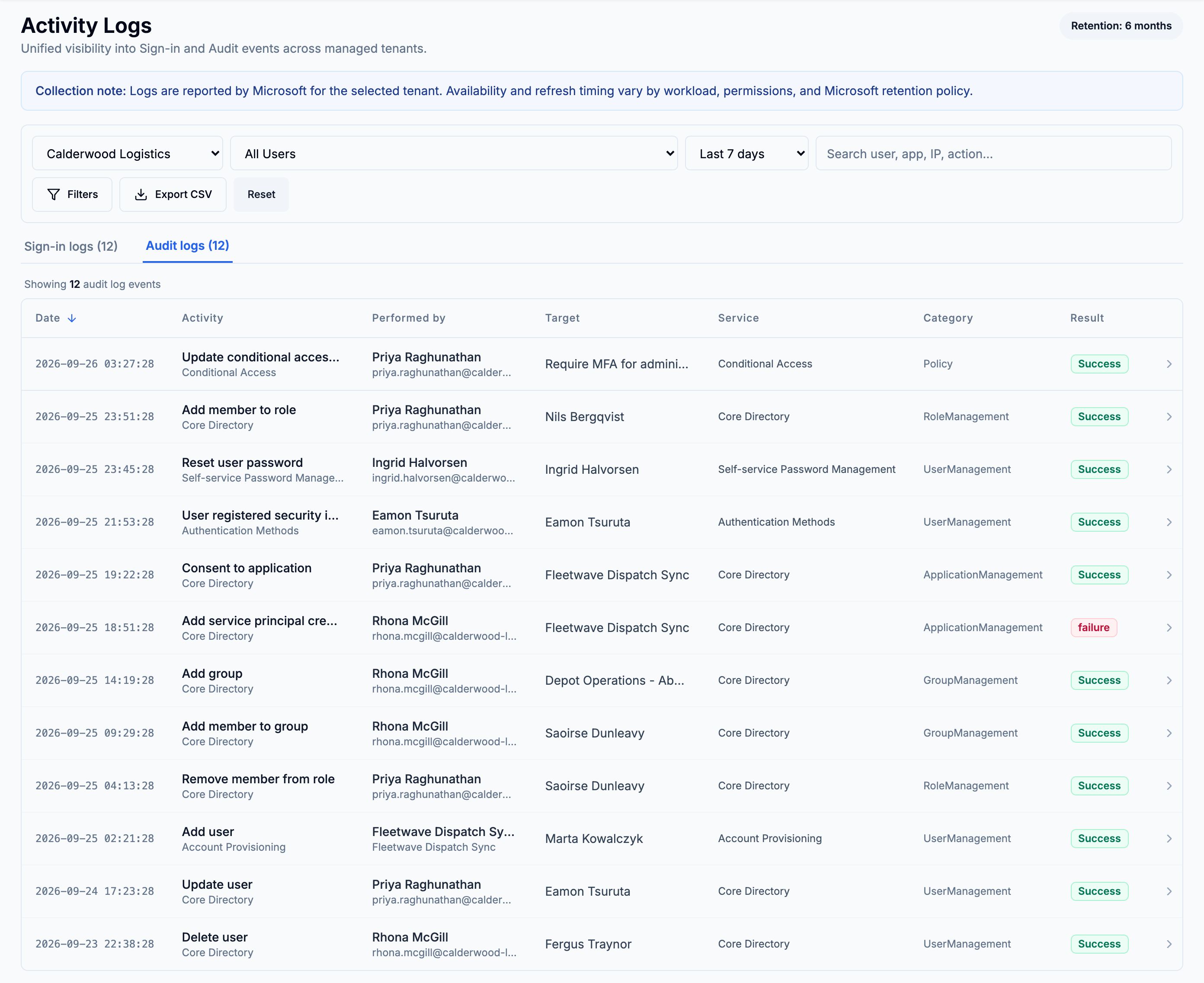
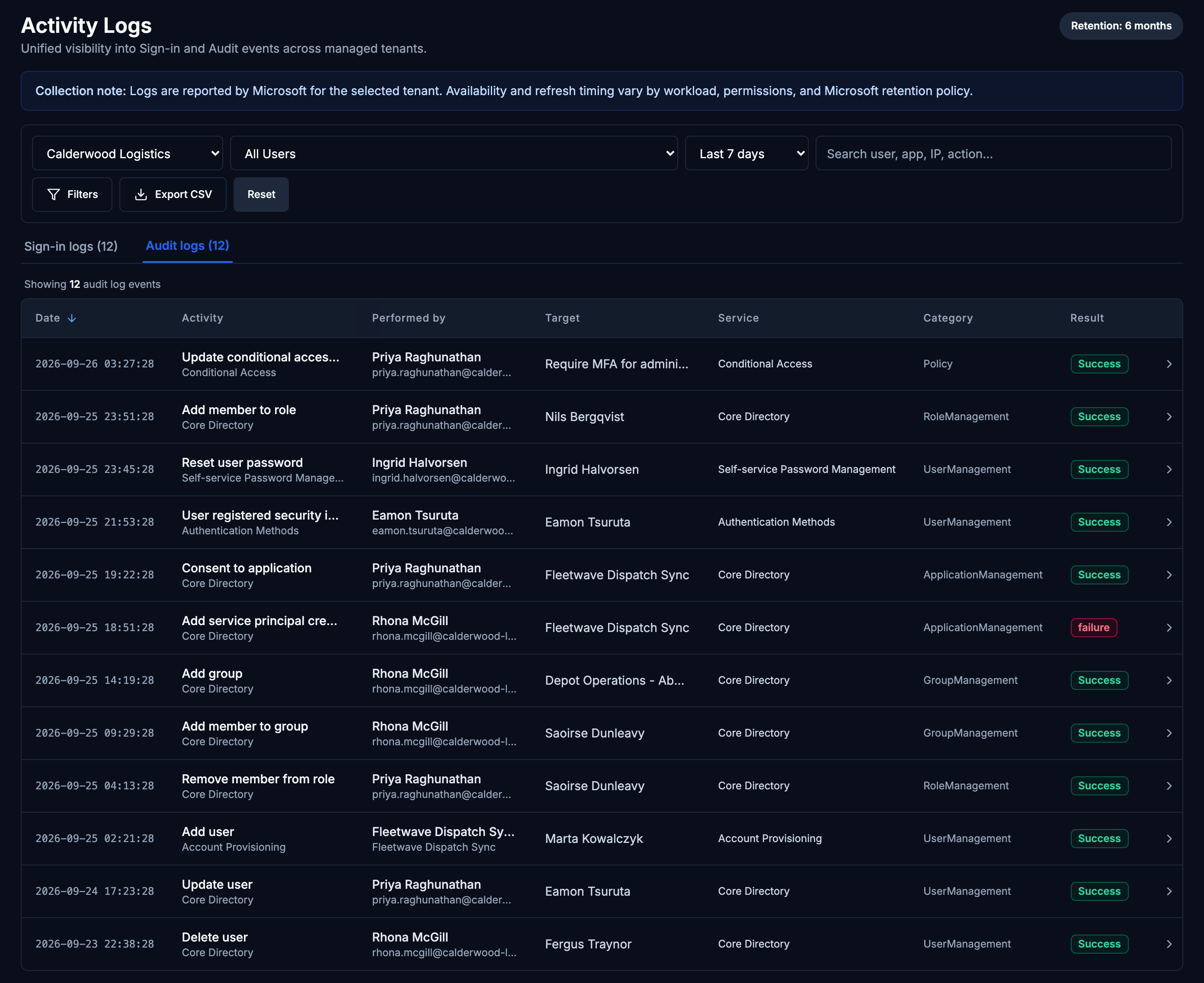
Entra directory audit records for the same customer — date, activity, who performed it, the target, the service, the category and the result.
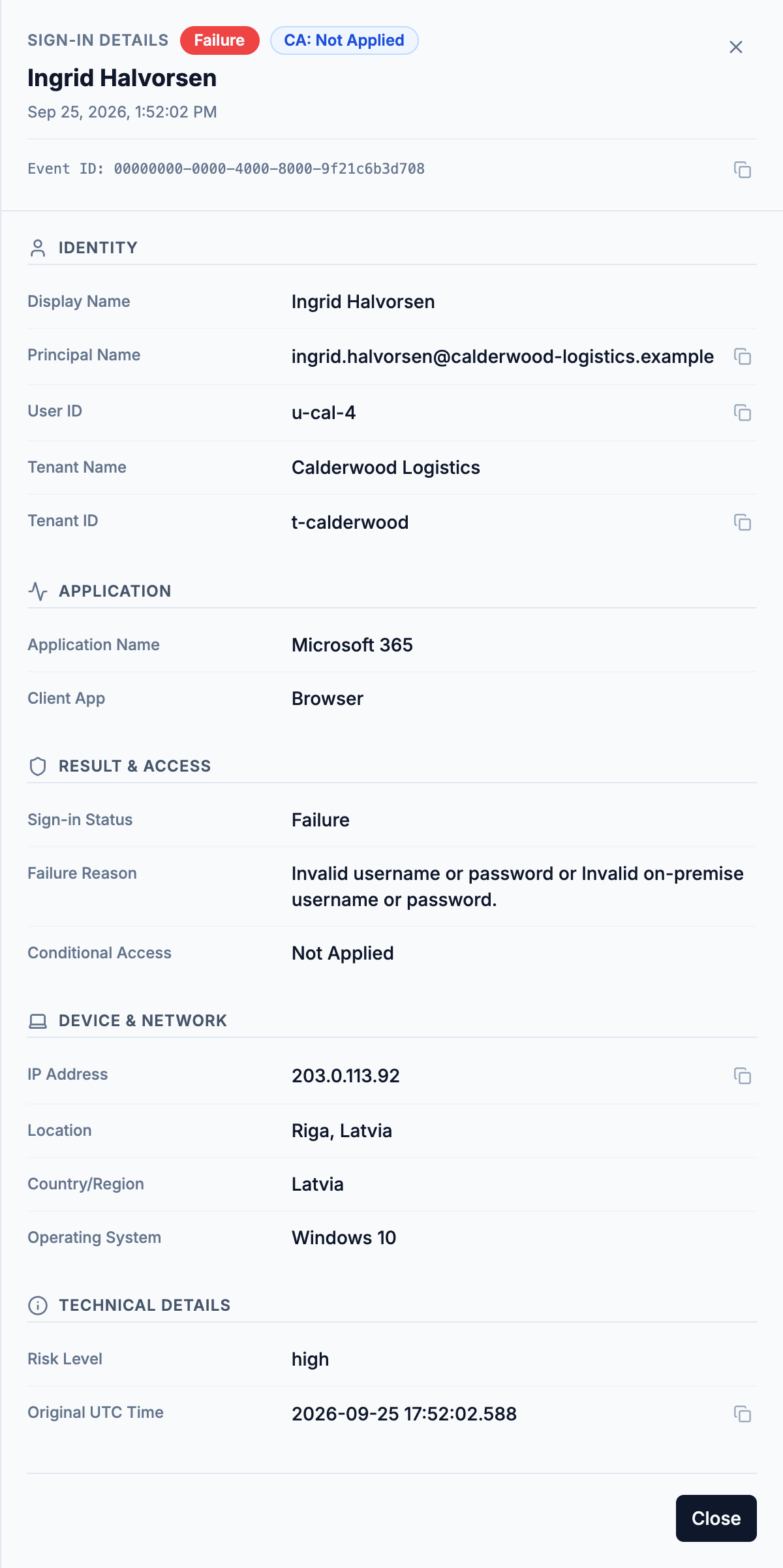
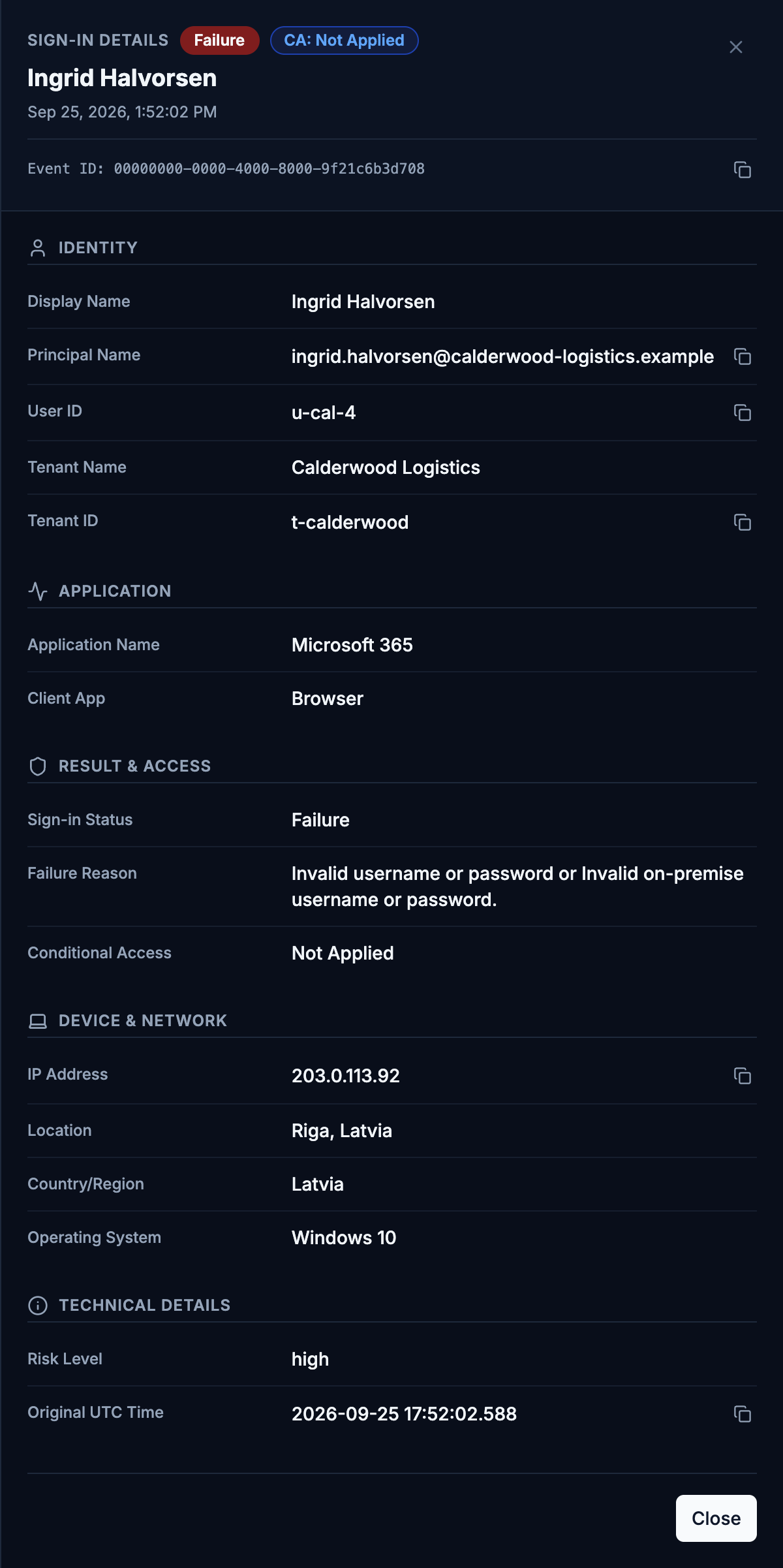
Any row opens for the full record: identity, application, result and access, device and network, and the technical detail underneath.
Filter by tenant, user, free text and a date range of 7 to 180 days, or a custom window. Narrow further by status, conditional access, application, location, IP, client, operating system or risk level — with the options drawn from the data actually present. Export the filtered set to CSV. HawkView does not acknowledge, assign or annotate; it reads.
Identity investigation · pilot
An investigation lead, with its evidence attached.
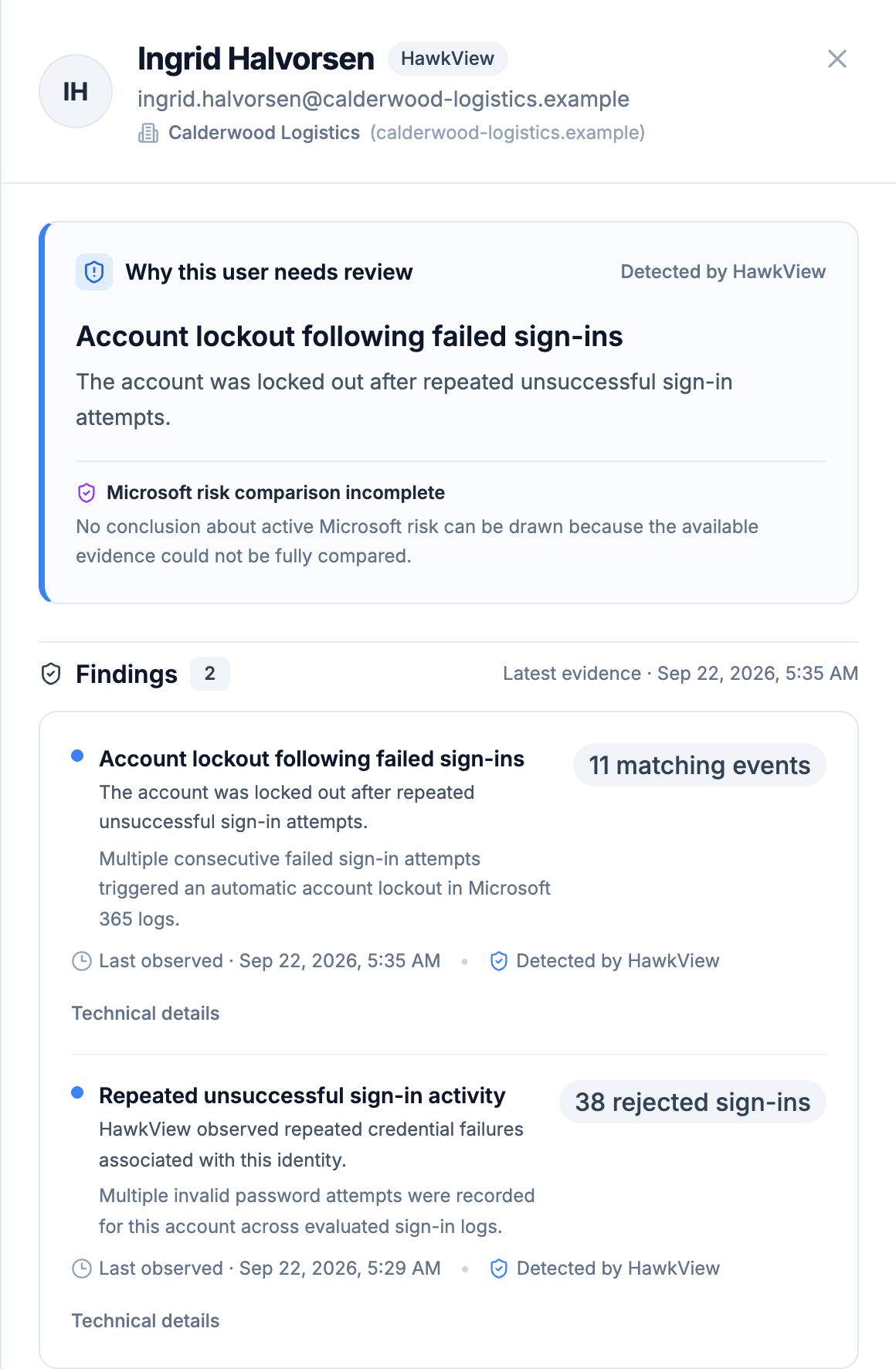
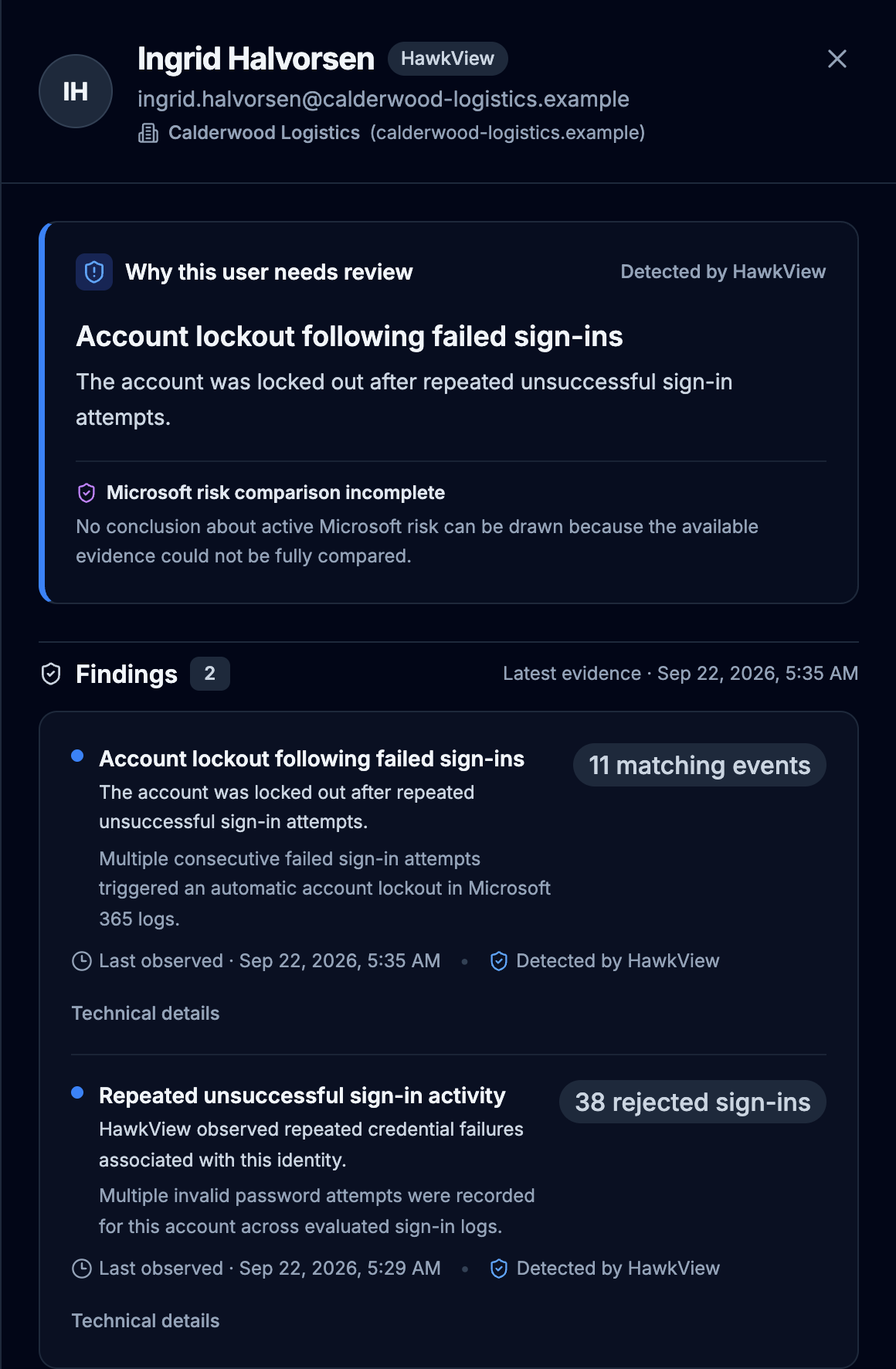
Identity investigation is the newest part of HawkView and is not switched on by default. Where it is enabled for a tenant, it reviews the sign-in records that tenant already keeps and surfaces accounts worth a look — repeated invalid-credential attempts, and accounts Microsoft locked out after them — naming the person, counting the events and saying when it last saw one.
Ask us whether it is enabled for your pilot. Where it is not, the page says so rather than showing a clear result.
HawkView’s own rule findings and Microsoft Entra ID Protection detections are kept as independent sources and are never combined into a single score. A finding is a reason to look, not a finding of compromise — and the account changes themselves are made in Microsoft’s own tools, not here.
Coverage and freshness
An empty panel should tell you why it is empty.
A clear result means no rule matched inside the evidence HawkView could read, over the window stated on the page. It does not mean the customer is safe.
Microsoft’s audit content is asynchronous and can arrive hours late and out of order. HawkView polls on a schedule and stamps every panel with when it last collected successfully — it is a record you can reconstruct from, not a real-time alarm. What that means in practice →
See it against your own customers.
A pilot connection is read-only and revocable at any time. Start with one tenant and judge it on a customer you already know well.